How to Execute Chess Duels Scripts
Executor basics, loadstring steps, troubleshooting, and the risks you accept before you inject.
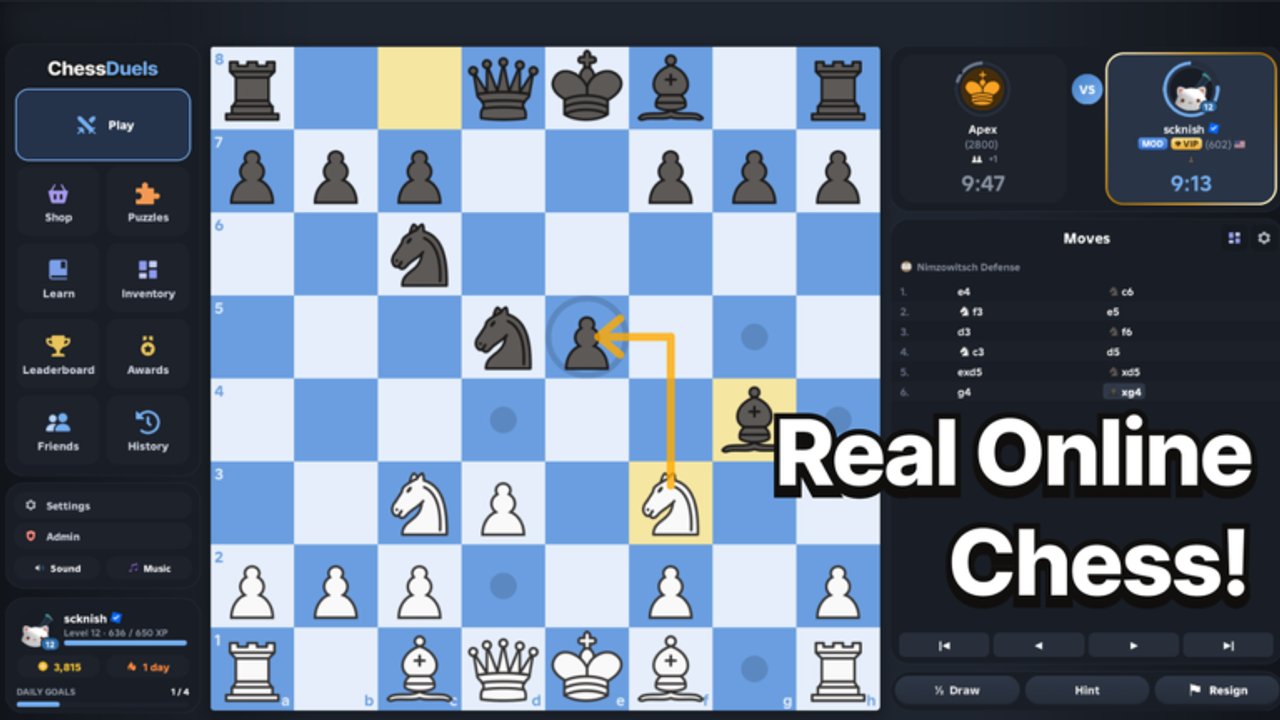
What “executing” means on Roblox
A script executor is third-party software that injects into the Roblox client and runs Lua you paste—often a one-line loadstring(game:HttpGet("..."))(). Chess Duels does not provide an official script API for auto-play. Anything that moves pieces, solves puzzles, or draws engine arrows without your clicks comes from outside tools.
That puts you outside Roblox Terms of Use. Accounts can be warned, locked, or permanently banned. Malware disguised as executors is common. This guide explains the mechanical steps so you understand the pipeline—and so you can refuse it with open eyes. If you only wanted cosmetics or rating, start with Getting Started, daily goals on the Codes Hub alternatives section, and Climb Rating instead.
Prerequisites checklist
Before you touch an executor:
- You own the Roblox account and use unique passwords plus 2-step verification.
- You accept that Chess Duels rated games (Bullet under 1 minute, Blitz ~3 minutes, Rapid ~10 minutes) may flag perfect play.
- Your PC has up-to-date antivirus; you will still vet downloads manually.
- You have read the feature list on the Scripts Hub and picked one tool—not five overlapping hubs.
- You will never paste a loadstring into Roblox chat, a Discord DM from a stranger asking you to “test,” or a website that asks for your password.
If any item fails, stop. Scripts are optional; your account is not.
Step 1 — Choose and install an executor
Community tutorials for Chess Duels auto-play usually assume a Windows desktop executor that supports current Roblox Hyperion builds. Exact brand names change weekly as detectors update. Prefer:
- A well-known executor with a clear changelog and Discord status page
- Installers downloaded from the author’s primary site (not random MediaFire mirrors)
- Builds that match your Windows architecture and do not demand browser extensions
Avoid “free key farms” that force sketchy surveys, APK sideloads on Android for PC scripts, or anything that asks you to disable antivirus permanently. If the installer is unsigned and the file hash never matches what the author posts, delete it.
After install, reboot if the tool asks, then launch the executor before or after Roblox depending on its docs—many need Roblox already open on the Chess Duels place.
Step 2 — Join Chess Duels cleanly
- Open Roblox and join Chess Duels from the official place page.
- Wait until the lobby HUD finishes loading (mode select, shop, puzzles entry).
- Do not queue a rated Bullet game yet if this is your first inject test—stay in the lobby or a private practice context if the script supports it.
- Attach / inject the executor using its Attach or Inject button. Wait for a success toast such as “Attached” or “Injected.”
If attach fails, fully close Roblox from Task Manager, reopen one client only, and try again. Multiple Roblox instances confuse many injectors.
Step 3 — Paste and run the loadstring
Example patterns documented on the Scripts Hub include BARRAGE’s loader and the Robscript no-key Chess Duels raw file. The general flow is identical:
- Open the executor’s script editor or console panel.
- Paste only the loadstring line (or the full local script if you reviewed the source).
- Click Execute / Run.
- Wait for the hub GUI or notification that the script initialized.
- Configure toggles: autoPlay, depth, delay, puzzle solver, rematch, and so on.
Never execute blind clipboard content from a random chat ping. If a friend “shares a better version,” compare the URL host to what you already trust. A one-character domain swap is a classic steal.
Step 4 — Configure for lower heat (still not safe)
No setting makes scripting allowed. These only reduce cartoonishly obvious behavior:
- Raise move delay so every reply is not instant on Bullet.
- Prefer Rapid while testing so you can watch the GUI without flagging twenty games per hour.
- Disable autoRematch when you step away—antiAfk is not a babysitter.
- Turn off puzzle auto-solve if you actually want to learn tactics from the 2000+ puzzle set.
- Close the script before streaming or sharing screenshots that reveal overlay arrows.
If the hub offers Bullet / Human Like / Strongest presets, Human Like is theater, not invisibility.
Troubleshooting common failures
Executor will not attach — Roblox updated the same day; wait for the executor patch. Run one Roblox instance. Launch as admin only if the author documents it.
Loadstring errors on HttpGet — Your network, DNS, or antivirus blocked the raw URL. Confirm the URL in a browser (expect raw Lua text). Corporate or school networks often block GitHub raw or script CDNs.
Script opens then instantly errors — Chess Duels renamed a remote or UI object. The script is outdated relative to the 27 October 2026+ live build. Stop using it until the author updates; do not “fix” random forks.
GUI missing — Check if the script toggles a hotkey. Some hubs start minimized or bind to RightShift / LeftControl.
Game kicks you — Could be anti-cheat, idle policy, or a soft shutoff. Do not immediately re-inject on the same account in a loop; that looks worse.
PC instability — Uninstall the executor, scan for malware, restore a clean browser profile if you installed shady “deps.”
Risks you cannot script away
- Moderation — Engine-perfect accuracy, inhuman speed, and rematch bots are detectable patterns on a global leaderboard game.
- Session theft — Malicious loadstrings can exfiltrate cookies. Enable 2FA and never enter your password into an executor window.
- False security of “keyless” — Keyless only means you skipped a key system UI. It says nothing about code integrity.
- Skill debt — Auto-play wins do not teach openings, tactics, or checkmates. Lessons and post-game blunder review exist for a reason.
- Shared PC danger — Family accounts on the same device can be collateral if malware lands.
Safer loop if you close the executor
- Play one rated Rapid game yourself.
- Open the post-game review and read every blunder explanation.
- Solve a short puzzle burst from the daily set.
- Claim daily goals and protect your streak for cosmetics coins.
- Skim Scripts Hub only as a technical reference—or skip it entirely.
Chess Duels already gives you modes, puzzles, lessons, review, awards (You Played, Checkmate, Solved Daily Puzzle), and a cosmetics shop. That is enough for a deep strategy game on Roblox without injecting anything.
Related pages
- Scripts Hub — feature comparisons for Best Move Player, Auto Chess, Zynex, BARRAGE, and Robscript builds
- Climb Rating — fair improvement path across Bullet, Blitz, and Rapid
- Getting Started — first-session checklist without tools
- Codes — promo status and coin alternatives
Execute only what you understand, assume every inject can cost the account, and default back to human play whenever the risk is not worth a cosmetic trail or a hollow rating number.
Frequently Asked Questions
Quick answers to common Chess Duels questions.
Do I paste Chess Duels scripts into Roblox chat?
No. Paste loadstrings only into a private executor console after you attach to the client. Chat cannot run HttpGet loaders and broadcasting scripts is dangerous.
Why does my executor fail to attach after a Roblox update?
Most executors break when Roblox ships client security changes. Wait for the executor author to update, use a single Roblox instance, and avoid random “fixed” malware reuploads.
Is a keyless Chess Duels script safe?
Keyless only skips a key UI. You still risk bans and malware. Review URLs, avoid password prompts, and keep 2FA enabled.
Can I get banned for using auto-play in Chess Duels?
Yes. Automation violates Roblox rules. Perfect engine play on rated Bullet or Blitz is especially easy to notice on a leaderboard-focused game.
What should I do instead of scripting?
Play Rapid, use puzzles and lessons, read post-game blunder reviews, claim daily goals for cosmetics, and follow the Climb Rating guide for sustainable gains.